How to Increase HVAC Bookings With Better Website UX
When homeowners need heating or cooling help, they don’t browse for long—they choose the HVAC business that feels the easiest, fastest, and most trustworthy to book with. That decision is heavily influenced by one thing: your website’s User eXperience (commonly known as UX).
A modern HVAC website isn’t just about looking good. It must guide visitors smoothly from “I need help” to “Book Now” with zero friction. If your site feels confusing, slow, or outdated, you’re losing bookings to competitors who invested in better UX.
Let’s go over how smart UX design can dramatically increase your HVAC bookings.
1. Make Your Website Load Fast
Speed is the first impression. If your site takes more than a few seconds to load, visitors bounce—especially mobile users.
Google prioritises businesses with proper websites, not just social media pages. If your business doesn’t have a site — or your site is outdated — you simply won’t appear in these high‑intent searches.
What improves speed:
- Optimised images
- Clean code and lightweight themes
- Fast hosting
- Caching and CDN setup
A fast site instantly signals professionalism and reliability, which matters when someone’s aircon just died in 38°C heat.
2. Use Clear, Action Focused Navigation
Homeowners don’t want to “explore” your website. They want answers.
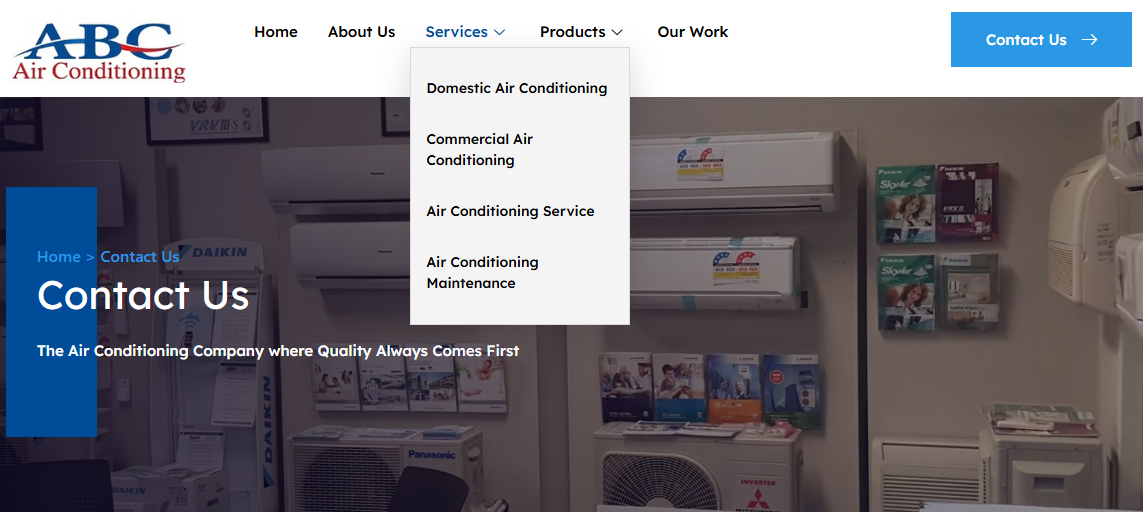
Your navigation should highlight the essentials:
- Services
- Service areas
- Pricing or quotes
- Contact / Bookings
- Emergency callouts
Avoid clever labels. Use simple, direct wording so visitors instantly know where to click.
Pro tip:
Add a sticky header with a “Book Now” button that follows users as they scroll. This alone can increase conversions significantly.
3. Make Booking Stupidly Simple
The biggest UX mistake HVAC businesses make? Overcomplicating the booking process.
Your booking flow should:
- Work perfectly on mobile
- Require minimal fields
- Offer instant confirmation
- Allow users to choose a time slot
- Provide clear next steps
If someone can’t book in under 30 seconds, they’ll call someone else
Bonus:
Add an AI booking assistant or automated scheduler so customers can book 24/7, even when you’re on the tools!
4. Build Trust With Visual Cues
HVAC is a trust‑based industry. People want to know who’s coming into their home.
Strong UX includes:
- Real team photos
- Branded vans
- Before/after images
- Certifications and licences
- Google review widgets
- “Trusted by” logos
These elements reduce hesitation and make your business feel more credible.
Suggested images:
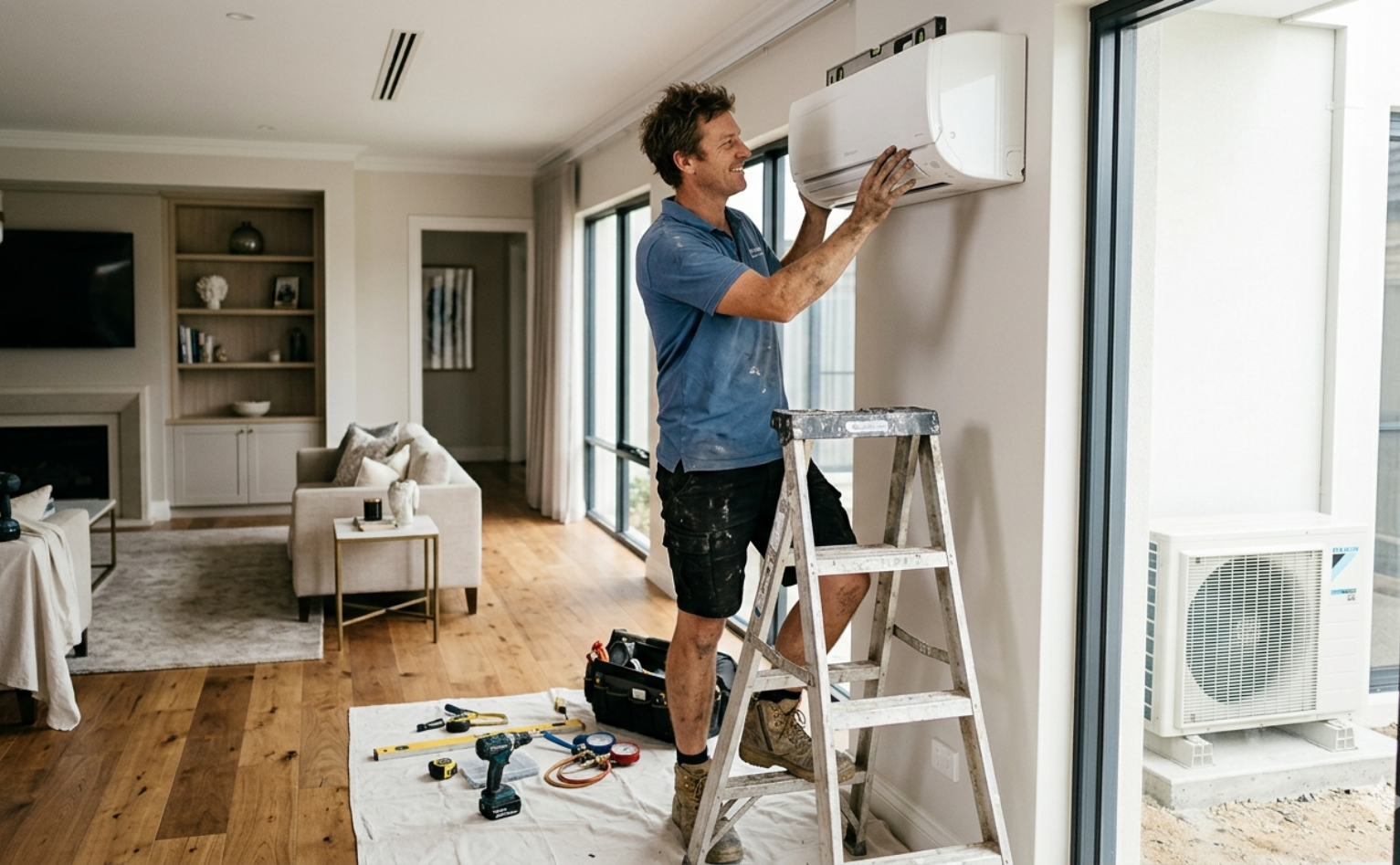
- A clean hero image of a technician working on an aircon unit
- A team photo with branded uniforms
- A simple graphic showing your service process (e.g., “Book → Confirm → We Arrive”)
5. Use Scannable, Customer Focused Content
Most visitors skim. Your content must be structured for quick understanding.
Use:
- Short paragraphs
- Bullet points
- Bold key phrases
- Clear service descriptions
- Local references (e.g., “Perth summers”, “Brisbane humidity”)
This helps customers find what they need fast and keeps them on the page longer.
6. Add Strong, Repeated Calls to Action
One CTA at the bottom isn’t enough. You need CTAs throughout the page to catch visitors at the exact moment they’re ready to act.
Examples:
- “Book Your Service”
- “Get a Fast Quote”
- “Speak to a Technician”
Place them:
- In the hero section
- Mid‑page
- After each major section
- In the footer
Let’s build a site that books more jobs!
Final Thoughts
Better UX isn’t just a design upgrade; it’s a revenue strategy. When your HVAC website is fast, clear, trustworthy, and easy to book from, you convert more visitors into paying customers. And in a competitive market, that’s the edge that keeps your calendar full.