You’ve finally done it.
You’ve invested in a shiny new website. The design is sleek, the photos are crisp, and it looks ten times better than the “dinosaur” site you had before. You’re ready for the leads to start pouring in.
Then, two weeks later, the silence hits.
Your phone stops ringing. Your inbox is empty. You check your rankings and realize your business has vanished from the first page of Google.
Is your new site a masterpiece or a revenue killer?
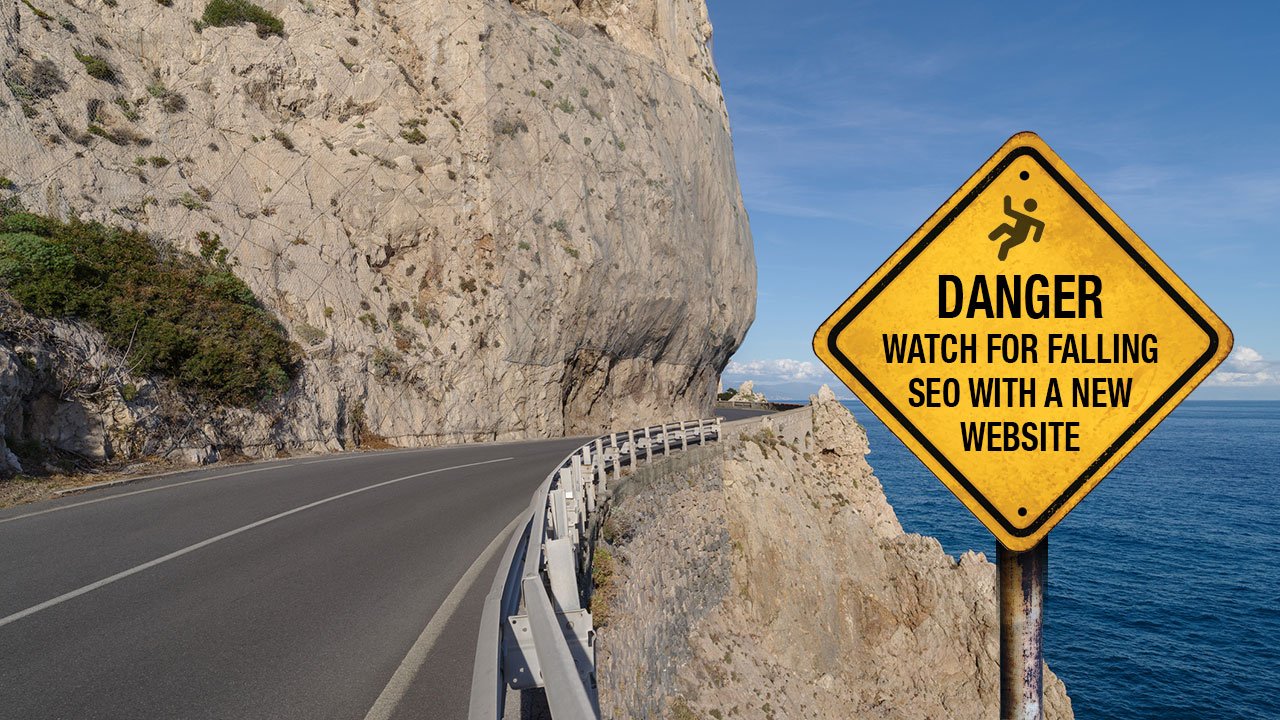
In the world of small business website design, a “pretty” site that isn’t built with SEO in mind is just an expensive digital business card that nobody can find. At Webscape Digital, we see it all the time: businesses losing 30% to 80% of their organic traffic overnight because of a botched launch.
Here is exactly why your SEO tanks during a redesign: and how to stop the bleed before it starts.
1. The “Broken Bridge” (Missing 301 Redirects)
Think of your old website URLs as bridges that Google uses to find you. When you launch a new site, those URLs often change. If you don’t tell Google where the old “bridge” moved to, you leave behind a trail of 404 errors.
Google hates dead ends. Without proper 301 redirects, you lose all the “authority” your old site spent years building.
The Consequence: You’re not just losing rank; you’re losing jobs to the competitor down the road who kept their links intact.

2. The “Noindex” Death Trap
This is the “rookie mistake” that costs thousands. Developers often check a box during the build to hide the site from Google while they work. If they forget to uncheck that box when you go live, your site is invisible.
It sounds simple, but we’ve seen custom web development projects stay hidden for months because nobody did a final pre-launch check.
3. Cutting the “Meat” (Content Thinning)
Many business owners want a “cleaner” look, so they delete blocks of text. If that “boring” text contained the keywords that helped you rank in Perth or your local suburb, you’ve just deleted your visibility.
Google ranks pages based on helpful information. If you replace 1,000 words of expertise with three icons and a “Contact Us” button, your rankings will crater.
Pro Tip: Never delete content that is already driving traffic. Refine it, don’t remove it.
4. Lost Schema and Internal Links
Schema markup is the hidden code that tells Google if you’re a plumber, a lawyer, or a builder. If your new site drops this data, you lose those “Gold Stars” and “FAQ” sections in search results that drive clicks.
Combined with broken internal links, Google’s “crawlers” get lost, and your lead generation website turns into a ghost town.

The Real-World Impact: Can Your Business Afford 6 Months of Silence?
When SEO tanks, it doesn’t just “bounce back.” It can take 6 to 12 months of hard work to recover the ground you lost in a single afternoon.
For a local tradesman or service provider, that’s six months of:
- Fewer bookings.
- Wasted marketing spend.
- Time wasters calling because you’re no longer ranking for high-intent keywords.
How Webscape Digital Protects Your Equity
We don’t just build sites; we migrate them. Our process is designed to ensure you keep every ounce of SEO “juice” you’ve earned while you were busy on the tools.
- Redirect Mapping: We map every single old URL to a new one. No 404s, no lost authority.
- Content Preservation: We analyze what’s currently working and ensure your new site is even more “index-friendly.”
- Pre-Launch Audits: We run a 50-point checklist to catch “noindex” tags and broken schema before the world sees the site.

Final Thoughts: Don’t Trade Rankings for Aesthetics
A redesign should be an upgrade, not a reset. If you’re planning a move, don’t risk the digital equity you’ve built over the last decade.
Is your current website stuck in a cycle of low leads? Or are you terrified that a new build will kill your current rankings?
Let’s get it right the first time. We focus on flow, not friction.
Get a Free Website Audit Now
Grow Your Business with Webscape Digital